

- Navigate to wandb.ai and select your project.
- In the Weave project sidebar, click Traces.
- Find the Call you want to view in the table.
- Click on the Call to open its details page.
- Click the
Feedbacktab in the Call detail’s tab bar.
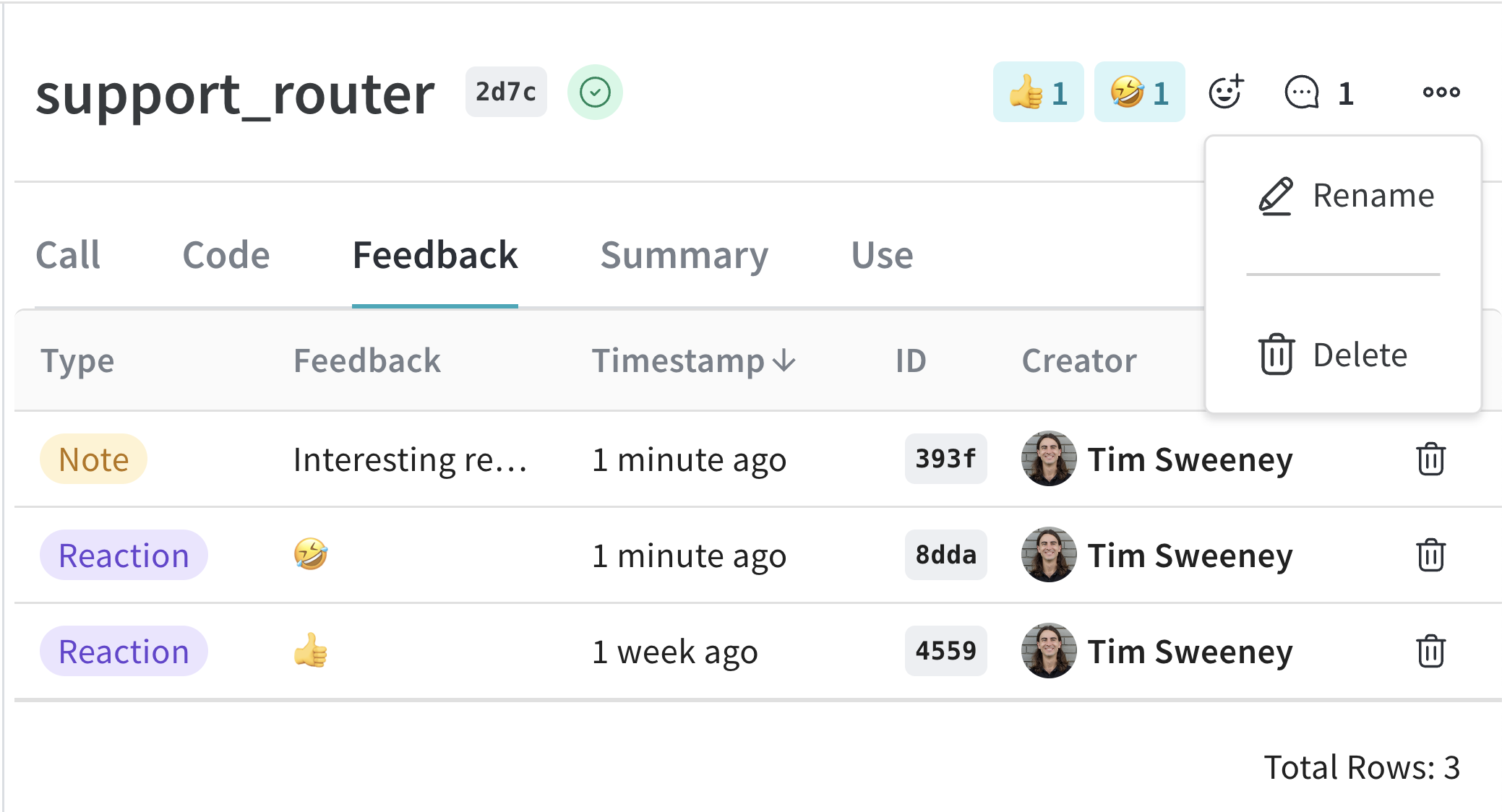
Set display name
- Python
- TypeScript
- HTTP API
To set the display name of a Call, use the
Call.set_display_name() method.Add feedback
Please see the Feedback Documentation for more details.Delete a Call
- Python
- TypeScript
- HTTP API
To delete a Call using the Python API, use the
Call.delete method.Delete multiple Calls
- Python
- TypeScript
To delete batches of Calls using the Python API, pass a list of Call IDs to
delete_calls().