

Overview
- Python
- TypeScript
The examples in this guide use annotations. We recommend using annotations because they are the simplest way to start logging your media. For more advanced configurations, see the Content API section.To log media to Weave, add type annotations like
Annotated[bytes, Content] or Annotated[str, Content] as input or return types in your ops. If you annotate path arguments with Annotated[str, Content], Weave automatically opens, detects, and displays the media within your trace.Log images
The following examples demonstrate how to generate and log images to Weave’s UI.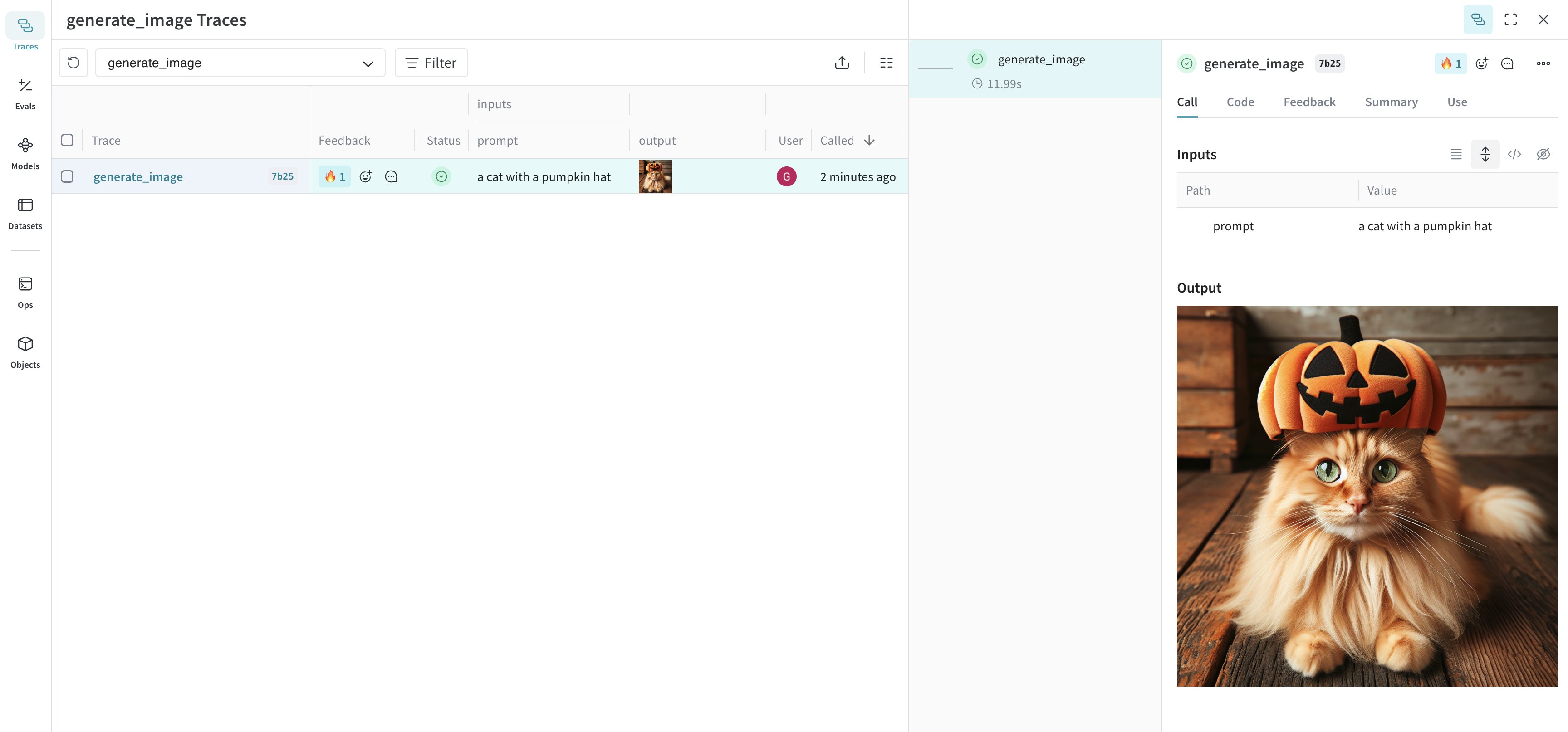
- Python
- TypeScript
Log images by annotating functions with Weave logs the image and returns a link to the trace where you can view the image.Weave logs the resized image and returns a link to the trace where you can view the image.
Annotated[bytes, Content] types or filepaths with Annotated[str, Content].The following example draws a basic image and then logs it to Weave using the Content annotation:Advanced Example: Generate an image with DALL-E and log it to Weave
The following example generates a picture of a cat and logs it to Weave:Advanced Example: Resize large images before logging
It can be helpful to resize images before logging to reduce UI rendering cost and storage impact. You can usepostprocess_output in your @weave.op to resize an image.Log video
The following examples demonstrate how to generate and log videos to Weave’s UI.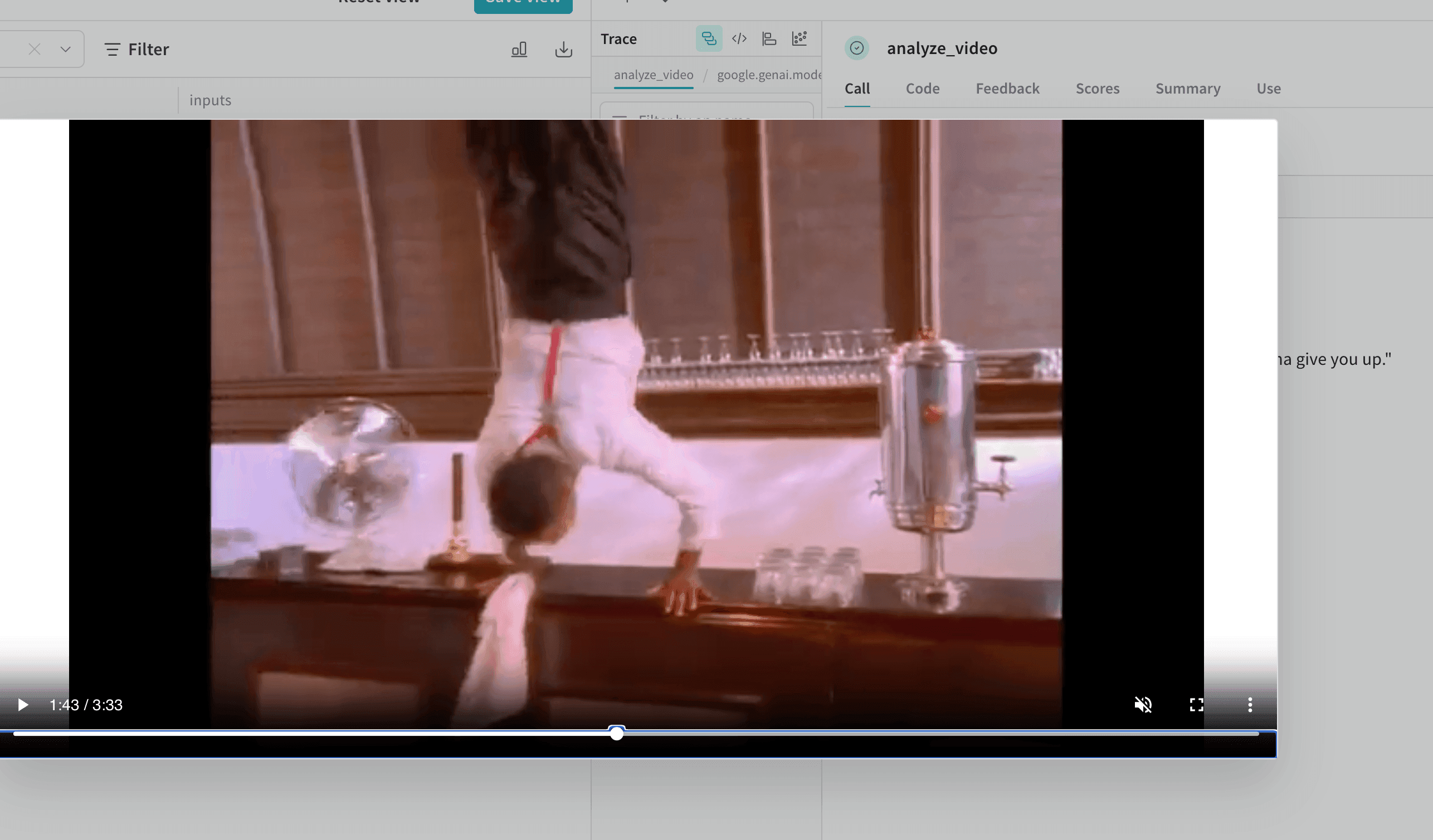
- Python
- TypeScript
Log videos by annotating functions with Weave logs the video and returns a link to the trace where you can view the video.
Annotated[bytes, Content] types. Weave automatically handles mp4 videos. Here’s a simple example:Advanced Example: Log a video within a video analysis project
The following example shows how to log video within a video-understanding project:Log documents
The following examples generate and log documents to Weave’s UI.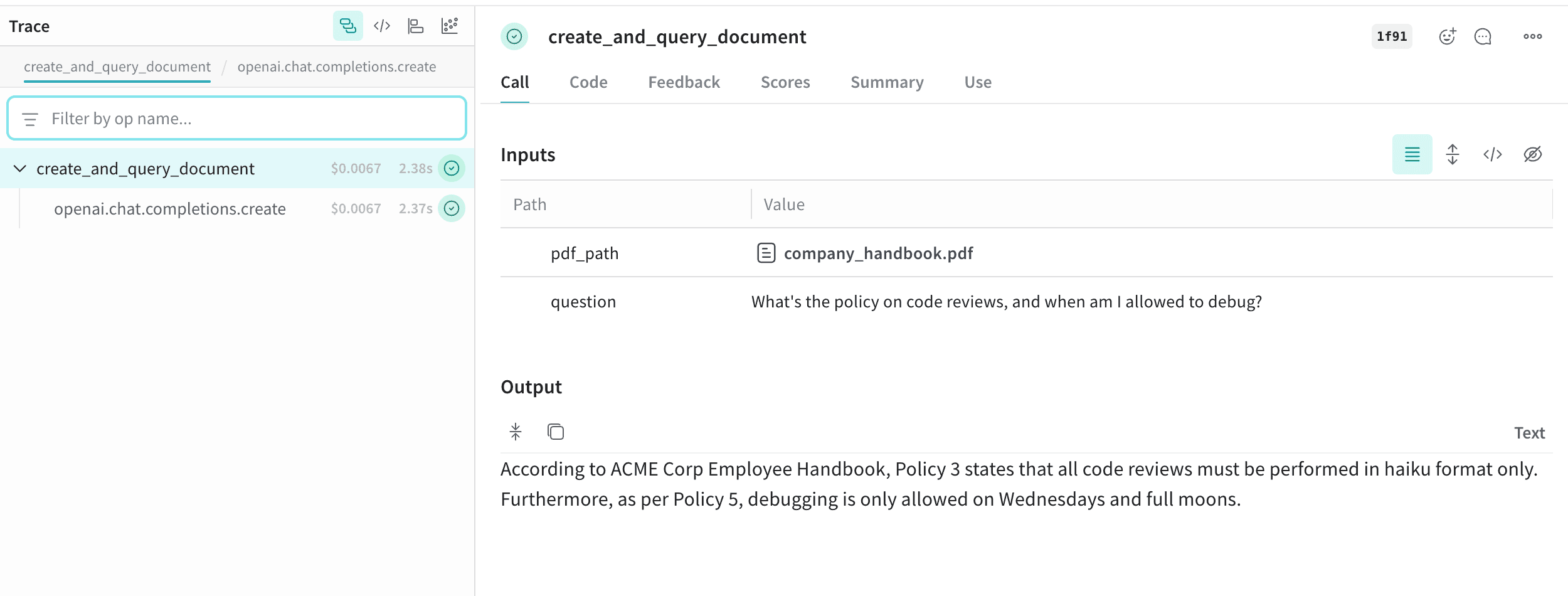
- Python
- TypeScript
Log documents by annotating functions with
Annotated[bytes, Content] types, or by specifying the document type with Annotated[str, Content[Literal['text']].Weave automatically handles pdf, csv, md, text, json, xml file types. You can also log using file paths with Annotated[str, Content].The following example shows how to store copies of the input PDF and CSV files, and then stores the file contents returned by the function:Advanced Example: Log documents within a RAG system
This example demonstrates how to log documents within a Retrieval-Augmented Generation (RAG) system:Log audio
The following examples demonstrate how to log audio to Weave.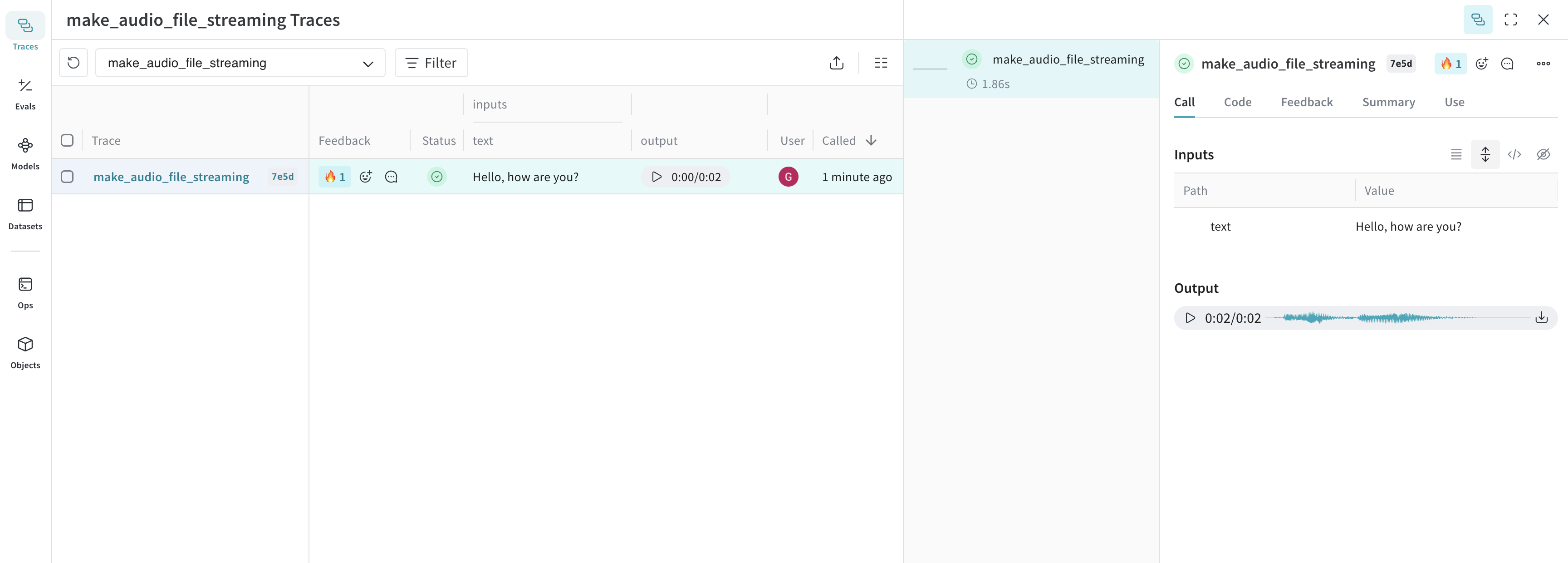
- Python
- TypeScript
Log audio to Weave by annotating functions with This audio is logged to Weave and automatically displayed in the UI, along with an audio player. In the audio player, you can view and download the raw audio waveform.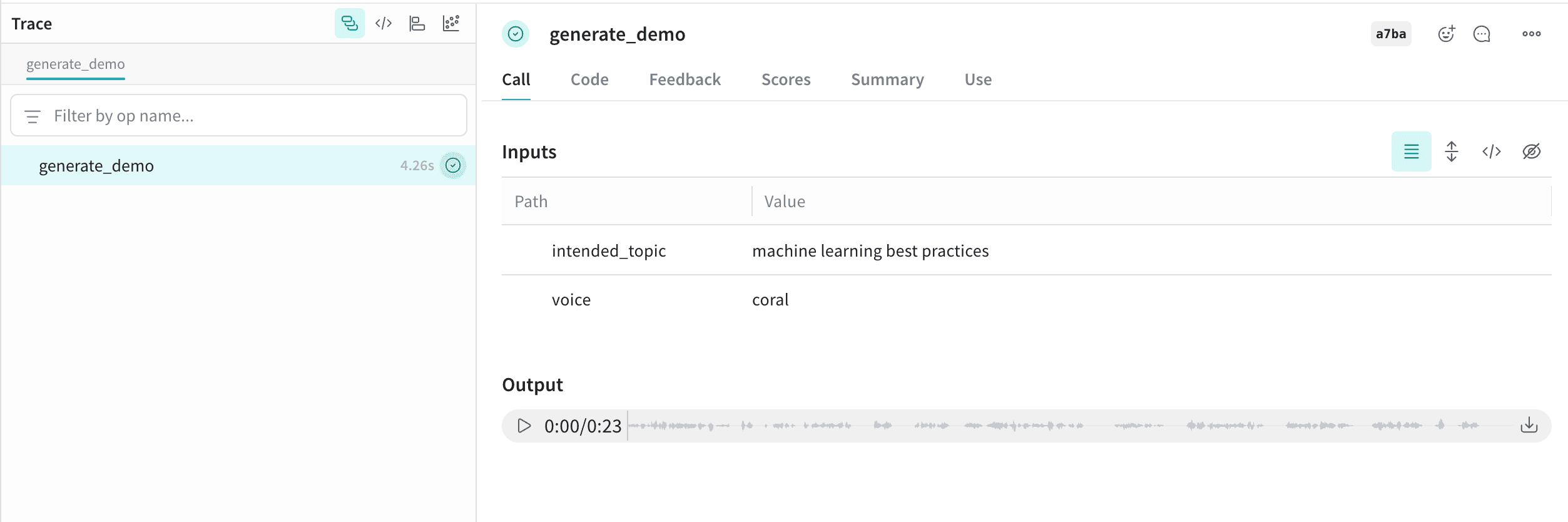
Annotated[bytes, Content] types, or by specifying the audio type with Annotated[str, Content[Literal['mp3']].Weave automatically handles mp3, wav, flac, ogg and m4a file types. You can also log using file paths with Annotated[str, Content].The following code snippet generates a sine wave, records it, and then logs the audio to Weave:Advanced Example: Generate and log AI-created audio
This example generates and logs AI-created audio using theContent annotation:Log HTML
The following examples demonstrate how to generate and log HTML to Weave’s UI.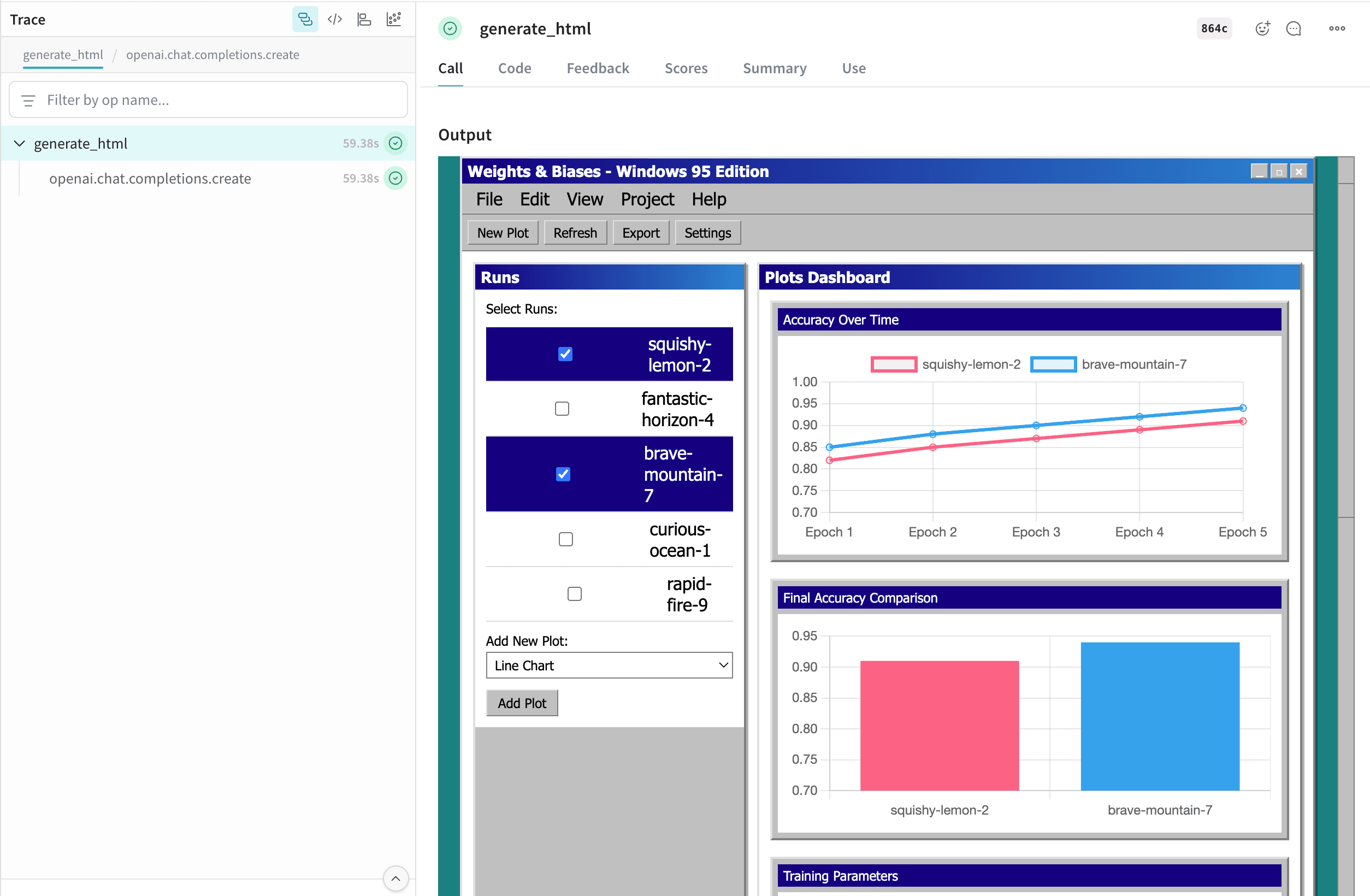
- Python
- TypeScript
Log interactive HTML by annotating functions with
Annotated[bytes, Content[Literal['html']]].The following example creates a simple HTML page and logs it to Weave:Advanced Example: Generate self-contained HTML pages using Serverless Inference and log them to Weave
This example generates self-contained HTML pages using Serverless Inference and logs the pages to Weave:file_name.html cell in the table opens it in full screen. You can also download the raw .html file.
Using the Contents API
The Content API handles media objects in Weave. It allows you to import content into Weave as base64 data, file paths, raw bytes, or text.The Content API is only available in Python.
Usage
There are two primary ways to use the Content API: type annotations and direct initialization. Type annotations automatically detect the proper constructor to use, while direct initialization provides more fine-grained control and lets you take advantage of runtime features of the Content API in your code.Type annotations
The Weave Content API is designed to primarily be used through type annotations, which signal to Weave that traced inputs and outputs should be processed and stored as content blobs.Direct initialization
If you want to take advantage of features, such as:- Opening a file with a default application (such as a PDF viewer)
- Dumping the model to JSON to upload to your own blob storage (such as S3)
- Passing custom metadata to associate with the
Contentblob (such as the model used to generate it)
Content.from_path- Create from a file pathContent.from_bytes- Create from raw bytesContent.from_text- Create from text stringContent.from_base64- Create from base64-encoded data
Custom mimetypes
Weave can detect most binary mimetypes, but custom mimetypes and text documents such as markdown may not be automatically detected, requiring you to manually specify the mimetype or extension of your file.Custom mimetypes with type annotations
Custom mimetypes with direct initialization
Content properties
For a comprehensive list of class attributes and methods, view the Content reference docsAttributes
Utility methods
save(dest: str | Path) -> None: Save content to a fileopen() -> bool: Open file using system default application (requires the content to have been saved or loaded from a path)as_string() -> str: Display the data as a string (bytes are decoded using the encoding attribute)
Initialization methods
Createcontent object from a file path:
content object from raw bytes:
content object from text:
content object from base64-encoded data: