

Getting started
Make sure you have created an account and generated an API key, then add your API key to your env asNOTDIAMOND_API_KEY.
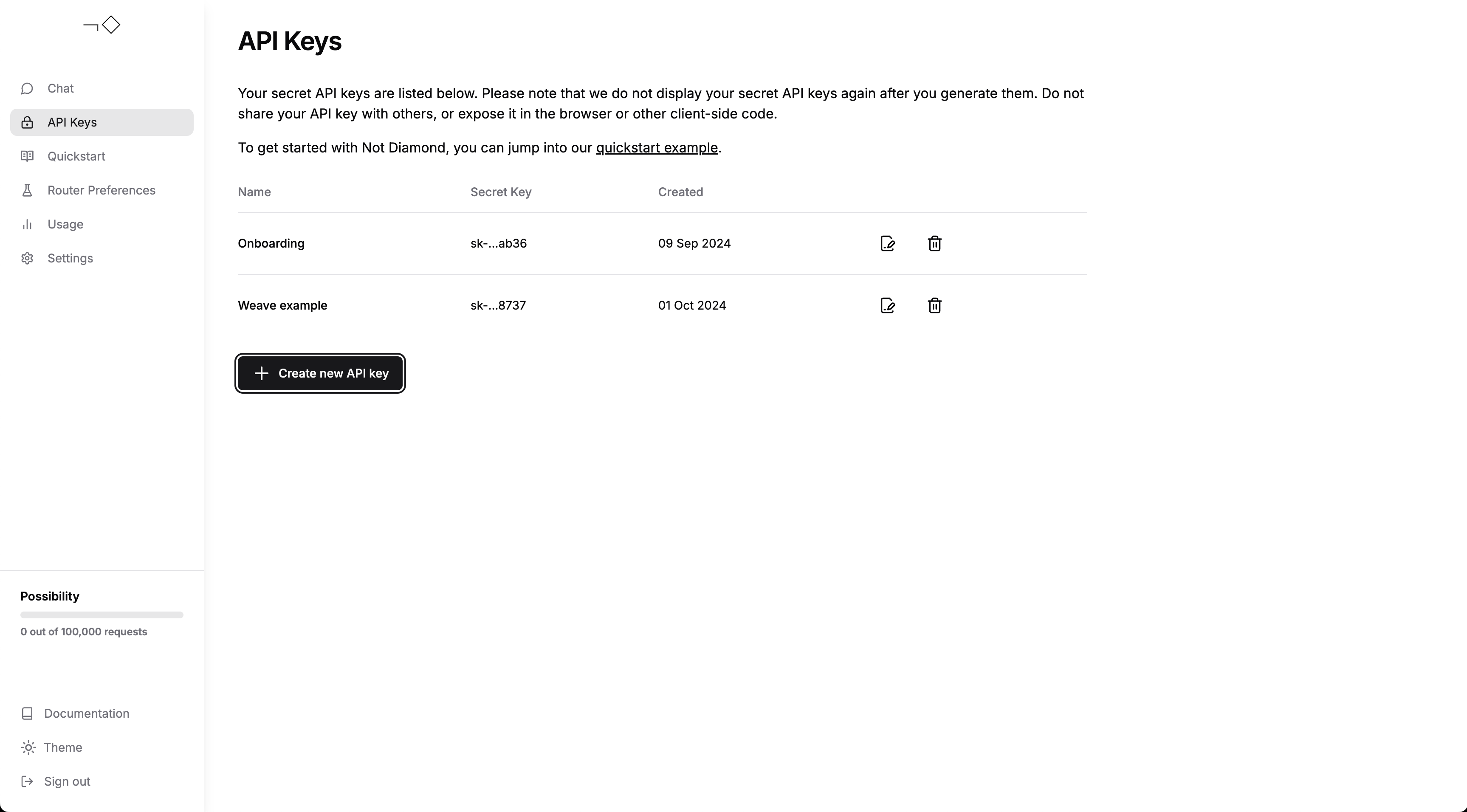
- try the quickstart guide,
- build a custom router with W&B Weave and Not Diamond, or
- chat with Not Diamond to see routing in action
Tracing
Weave integrates with Not Diamond’s Python library to automatically log API calls. You only need to runweave.init() at the start of your workflow, then continue using the routed
provider as usual:
Custom routing
You can also train your own custom router on Evaluations, allowing Not Diamond to route prompts according to eval performance for specialized use cases. Start by training a custom router:model_select request, you can route your prompts
to maximize performance and minimize cost on your evaluation data: