> ## Documentation Index
> Fetch the complete documentation index at: https://wb-21fd5541-docs-1917.mintlify.site/llms.txt
> Use this file to discover all available pages before exploring further.
# 리포트에 여러 작성자 추가하기
여러 작성자를 추가해 리포트의 모든 기여자를 정확하게 표시할 수 있습니다.
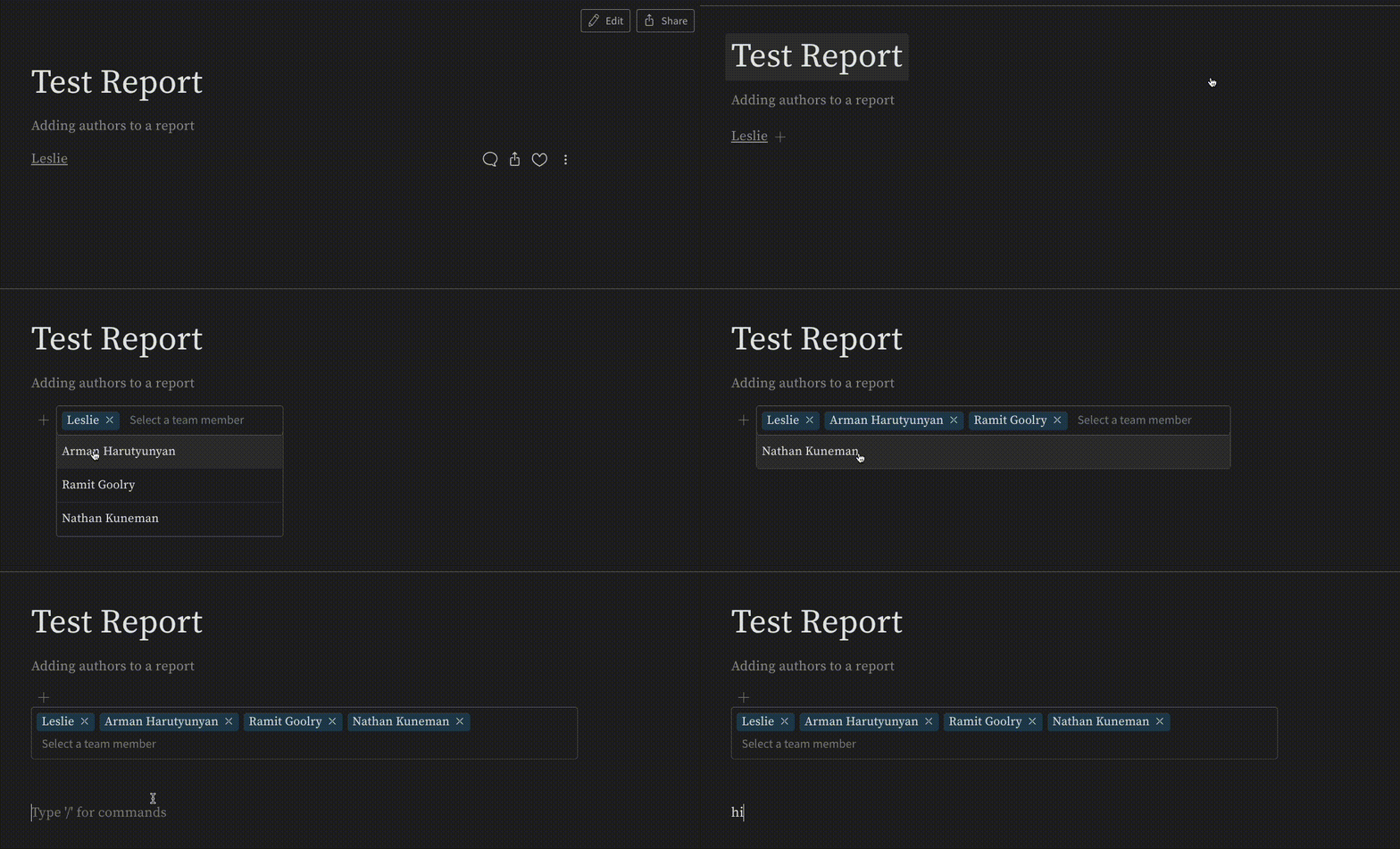
여러 작성자를 추가하려면 작성자 이름 옆의 **+** 아이콘을 클릭하세요. 그러면 리포트에 액세스할 수 있는 모든 사용자가 포함된 드롭다운 메뉴가 열립니다. 작성자로 추가할 사용자를 선택하세요.
 ***
[Reports](/ko/support/models/tags/reports)
***
[Reports](/ko/support/models/tags/reports)